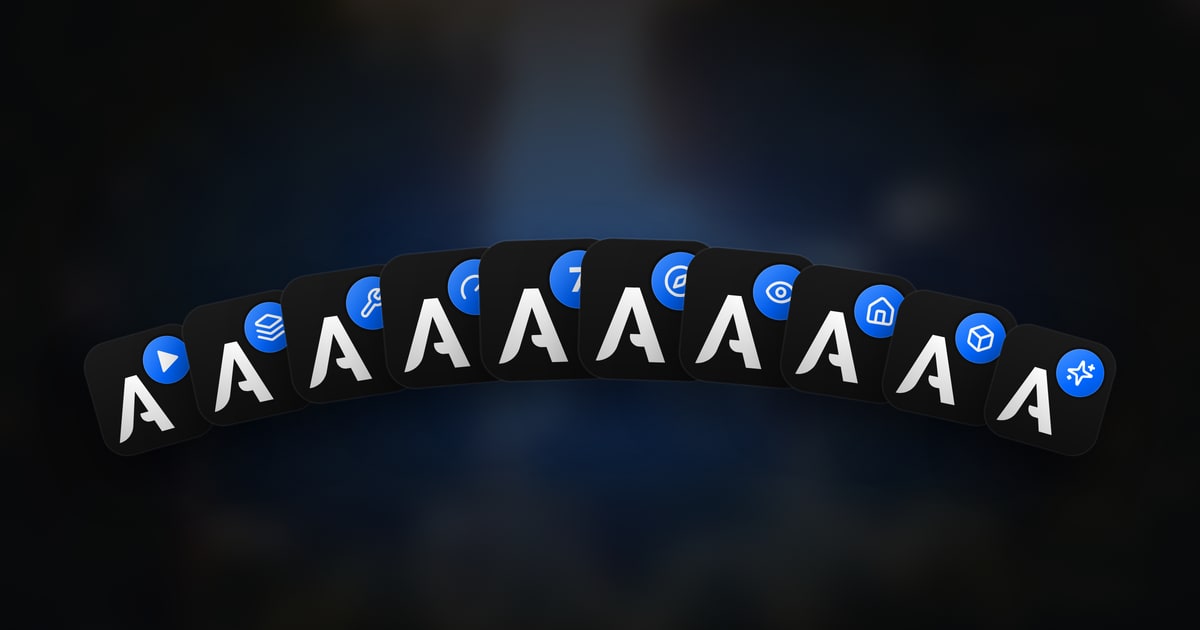
We promised it in the season 7 announcement: here is the tour of the Athena mods. These are modules the team wrote itself, designed only for our server and its community. You won’t find them anywhere else.
What is a mod?
If you’ve only ever played “plain” Minecraft, a quick reminder. A mod is a piece of software added to the game to change it: new blocks, new landscapes, different menus, better performance… A modpack is a set of mods meant to work together.
Until now, Athena’s pack was mostly a bundle of mods made by other people. They’re still there for landscapes and structures, but everything that makes up daily life on the server (screens, bases, messaging, performance) is now handled by our own mods. In practice, it means we can fix a problem or add a community idea without waiting on anyone.
And you have nothing to install yourself: the Athena launcher takes care of it.
The mods, one by one
Athena Adventure
Everything you see and use in game: the redesigned screens (inventory, chests, advancements), messaging and profiles, protected bases, collections, photo mode and cinematics.
Athena Optimization
Tunes the game for your PC on first launch, then adjusts quality live while you play. More on that just below.
Athena Map
Our own world map: it reveals itself as you explore, and can be browsed layer by layer to see right down into the caves.
Athena End
The End fully rethought: new biomes, relief, caves, woods and plants, structures and creatures to face.
Athena Village
Villages rebuilt in the Readers’ style: walled, with their church, their plaza around an old pillar, their fields and their people.
Athena Utilities
Useful new blocks: the woodcutter, the library, the turntable jukebox and its disc crates, the potion stand, the Green Thumb.
Athena Fixes
It works behind the scenes: it fixes conflicts and slow or broken behaviour between Minecraft and the other mods in the pack.
Athena Lib
The shared base of all our mods: the theme, the buttons, the notifications. It’s what makes everything look the same.
Athena Boot
The opening video, played in the game window while it starts up. Waiting, in style.
Athena Cosmetics
The pets that follow you, the hats and trails from the shop. Purely visual: nothing that changes the game.
A closer look at automatic optimization
This is probably the mod that will change the most for players with a modest PC. A modpack usually costs evenings spent in video settings. On Athena, the game does the work for you, in four steps:
It recognises your PC
Processor, graphics card, memory: a database of hundreds of models tells it what your machine can handle.
It actually tests it
On first launch, a short scene plays for about a minute while it measures your frame rate.
It tunes the game
The best picture possible while staying smooth, shaders and far view distance included if your PC can take them.
It adapts live
A big base, a storm? It lightens the load at once, then brings quality back when things run smoothly again.
And your own settings are never lost: whatever Athena changes only lasts for the session, and one button brings your original options back. None of this is sent to the server. For the curious, the wiki explains it all in detail.
We need you
These mods are brand new. We’ve tested them for weeks, but nothing replaces hundreds of players on hundreds of different PCs. There will be things to fix and improve, and that’s where you come in.
We want to hear about everything:
- A bug, however small: a screen that displays wrong, a block behaving strangely, cut-off text.
- Performance: does the game lag in a specific spot? Did the optimization pick settings too low, or too high, for your machine?
- Usability: an unclear menu, a badly placed key, information you can’t find.
- Your ideas: a feature you miss, a block you dream of, an improvement to an existing screen. No idea is too small or too wild to suggest.
Your feedback will decide what we build next. Don’t hold back: we read everything.